Your kid's face lights up when they see themselves in a story. That's not just cute — it's backed by science. Researchers at the University of Windsor found that children aged 4 to 6 recall information nearly 20% better when it relates to themselves (Cunningham & Brase, Child Development, 2014). And now, AI tools can turn a simple photo into a fully illustrated picture book in under 10 minutes.
But not all platforms work the same way. Some just slap a name on a template. Others actually transform your child's face into a consistent storybook character across every page. This guide walks you through the entire process — from snapping the right photo to holding a printed book — so you can pick the right approach for your family.
Key Takeaways
- Personalized books improve children's memory recall by nearly 20% compared to generic stories (Cunningham, 2014)
- Photo-based AI tools create consistent characters across every page in under 10 minutes
- "Substantive" personalization (photo + appearance + details) works; name-only doesn't
- Most parents accept AI-generated illustrations when reviewed for safety and accuracy (NC State, 2025)
What Is a Photo-Based AI Children's Book?
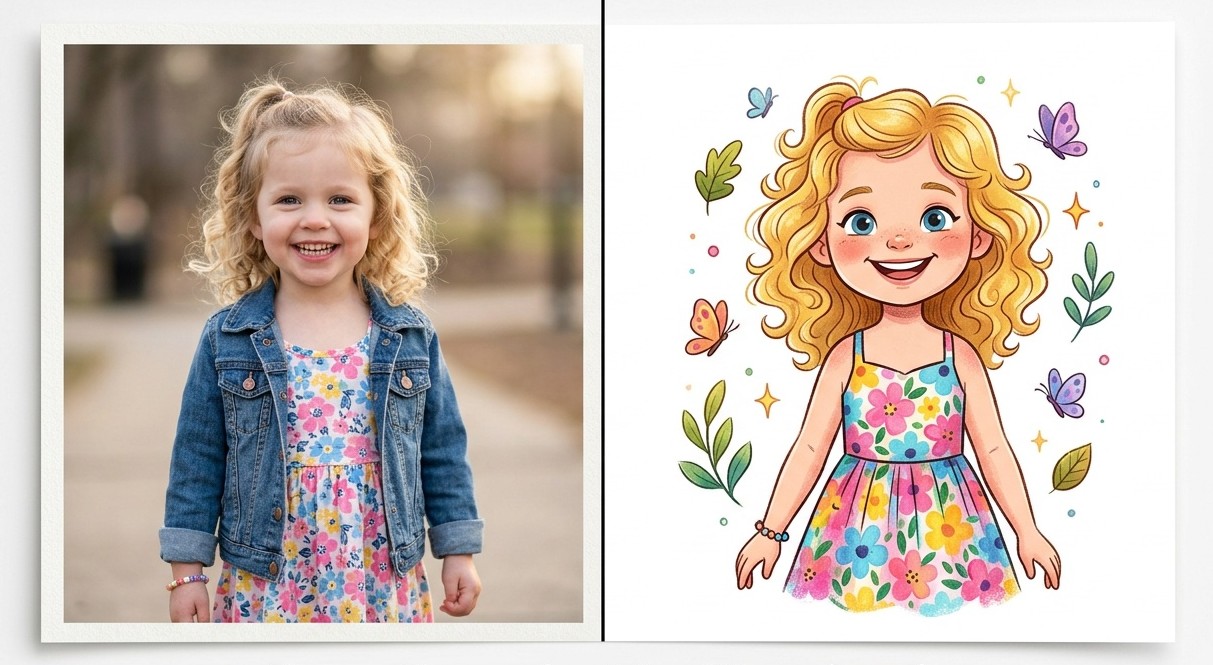
A photo-based AI children’s book takes an uploaded photo of your child and transforms it into an illustrated cartoon character that stars in a custom story. Unlike older personalized books that just insert a name into pre-written text, these tools generate unique illustrations where your child's face, hair color, clothing, and features stay consistent from the first page to the last.
The difference matters more than you'd think. Research on personalized reading distinguishes between "nominal" personalization — just swapping in a name — and "substantive" personalization that includes the child's photo, appearance, and personal details. Studies show that name-only personalized books produce no measurable benefit over generic ones. In contrast, Kucirkova's research found that preschoolers reading substantively personalized books showed significantly stronger word acquisition than those reading standard versions (Kucirkova et al., First Language, 2014). It's the visual self-recognition that triggers the learning boost.
Here's what happens behind the scenes when you upload a photo:
- Face detection — The AI identifies your child's facial features, skin tone, hair style, and eye color
- Character generation — Those features get translated into an illustrated character matching the book's art style
- Story integration — Your character gets placed into every scene with consistent proportions and features
- Background isolation — The AI uses only your child's appearance, ignoring whatever background was in the original photo
The result? A book that looks hand-illustrated, where your kid is genuinely the main character — not a generic figure with their name underneath. Think of the AI like a portrait artist who studies your child's photo, then draws them into every scene — except this artist works in seconds, not weeks.
What Do You Need Before You Start?
Getting a good result starts before you even open the app. The quality of your child's photo directly affects how well the AI captures their features. You don't need a professional camera — a phone works fine — but following a few simple guidelines makes a noticeable difference in the final artwork.
The Ideal Photo
- Face clearly visible — Front-facing or slight angle, no sunglasses or masks
- Good lighting — Natural light works best, avoid harsh shadows across the face
- Simple background — The AI strips it out anyway, but busy backgrounds can confuse face detection
- Recent photo — Use a photo from the last few months so the character looks like your child right now
- Solo shot — One child per photo (you can add siblings as separate characters)
What You Don't Need
- Professional photography
- A specific outfit (some tools change clothing per scene automatically)
- Multiple photos (most tools work from a single upload)
- Any technical skills whatsoever
StoryPic works entirely in your browser. You upload a photo, describe the story you want, choose from 50+ art styles, and the AI handles everything else — no downloads or installations needed.
How to Create Your Book: Step by Step
The personalized children's book market reached $661 million in the US in 2024 and is projected to surpass $1.1 billion by 2032 (Business Research Insights, 2024). As a result, competition among platforms has driven both quality and affordability up. Here's the step-by-step process for turning a photo to storybook form that works across most services.
Step 1: Open StoryPic
Head to StoryPic and start a new story. Here’s what you get out of the box:
- Free-form story creation — Describe any adventure and the AI writes and illustrates it
- Multiple characters — Add siblings, friends, or pets alongside the main character
- 4 languages — Generate stories natively in English, Spanish, French, or Romanian
- Credit-based pricing — 1 credit per image, no subscriptions
Step 2: Upload Your Child's Photo
In StoryPic, head to the story creation page and upload a clear, front-facing photo. The AI processes it in seconds and generates an illustrated character version of your child.
Check the preview carefully. Does it capture their hair color? Eye shape? Skin tone? If not, you can regenerate or adjust until the likeness feels right.
Step 3: Set Up Your Story
This is where platforms differ the most:
- Template-based — You pick a pre-written story and the AI illustrates it with your child’s character
- Free-form — You describe any adventure you want, and the AI writes and illustrates a completely custom story
- Theme-based — You pick a theme (bedtime, adventure, space) and the AI builds a story around it
For instance, if you're making a birthday gift, free-form apps give you the most unique result. On the other hand, for a quick bedtime story, template-based services are faster.
Step 4: Choose Your Art Style
StoryPic offers 50+ illustration styles. Some popular choices include:
- Watercolor (soft, dreamy)
- Cartoon (bright, bold)
- Storybook classic (traditional picture book look)
- Anime-inspired (popular with older kids)
Pick whatever your child would enjoy most. Ultimately, there's no "best" style — it comes down to personal preference.
Step 5: Review and Edit
Before finalizing, flip through every page. Check for:
- Character consistency — Does your child look the same throughout?
- Text accuracy — Any awkward phrasing or errors in the story?
- Image-text alignment — Do the illustrations match what's happening in the story?
- Safety — Nothing that could encourage unsafe behavior (a concern flagged in the NC State 2025 study)
In StoryPic, you can regenerate any individual page with a single click, edit the story text directly, or even use inpainting to tweak specific parts of an illustration.
Step 6: Download Your Book
Once you’re happy with the result, download your story as a PDF. The file is ready to read on any device — tablet, phone, or laptop. You can also share the link with grandparents and family so they can enjoy the story too.
What Can You Do with StoryPic?
The global children’s publishing market reached $10.76 billion in 2026, with AI-powered personalization emerging as one of the fastest-growing segments (Business Research Insights, 2026). StoryPic was built specifically for parents who want to turn their child’s photo into a real storybook character.
Here’s what makes it work:
- Photo-to-character in seconds — Upload a photo and the AI generates an illustrated version of your child that stays consistent across every page
- Free-form stories — Describe any adventure you want. A trip to the moon, a day at the beach, meeting a friendly dragon — the AI writes and illustrates it
- Multiple characters — Add siblings, friends, or even pets as additional characters in the same story
- 4 languages — Generate stories natively in English, Spanish, French, and Romanian — not translated, actually generated in each language
- Audio narration — Every story can be read aloud with AI-generated narration
- Credit-based pricing — Each image costs 1 credit. A 20-page story uses roughly 20 credits. Story text is always free. No subscriptions, no per-book fees
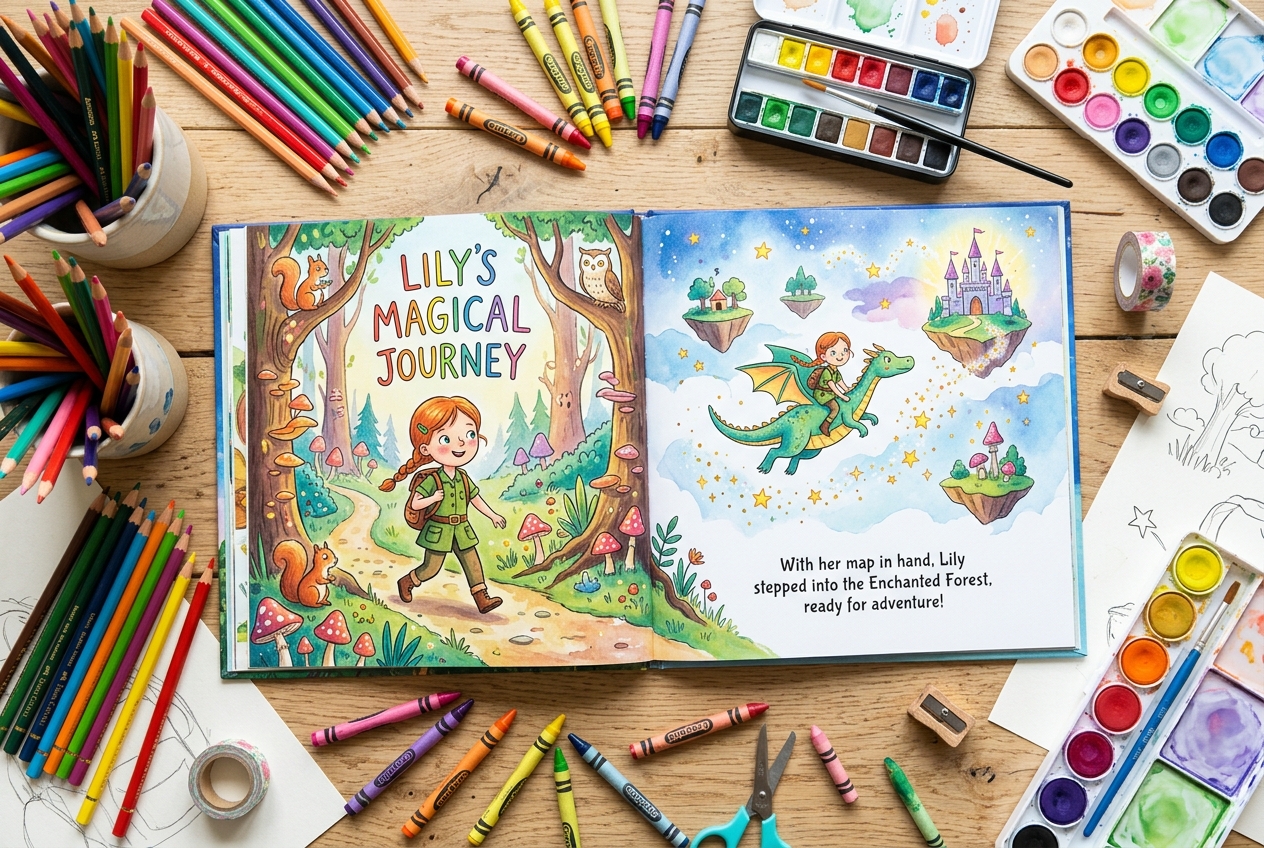
- 50+ art styles — From watercolor to cartoon to anime, pick the look your child loves
How the credit system works: You buy credit packs (50, 250, 500, or 750 credits) and spend them only on image generation — 1 credit per illustration. A typical 20-page story costs about 20 credits. If you want to regenerate a page or try a different art style, that’s 1 additional credit per attempt. Credits never expire and there’s no subscription.
What Does the Research Say About AI Images in Kids' Books?
A 2025 study from NC State University found that most parents are willing to accept AI-generated images in children's books — with conditions (NC State News, 2025). The study, published in the International Journal of Child-Computer Interaction, observed 13 groups of parents and children aged 4-8 interacting with AI-illustrated stories.
Here's what the findings revealed:
What parents want:
- Human-authored text (parents are more comfortable with AI illustrations than AI-written stories)
- Expert review by educators or librarians
- Clear cover labeling that AI was used (not distracting per-page labels)
What kids noticed:
- Children were more sensitive than their parents to emotional content in illustrations
- Kids quickly spotted when an illustration's mood didn't match the story's text
- Page-level AI labels distracted from the reading experience
The safety angle:
Parents and children both raised concerns about illustration errors that could encourage unsafe behavior or lack real-world accuracy. This is why the review step matters — always check illustrations before sharing with your child.
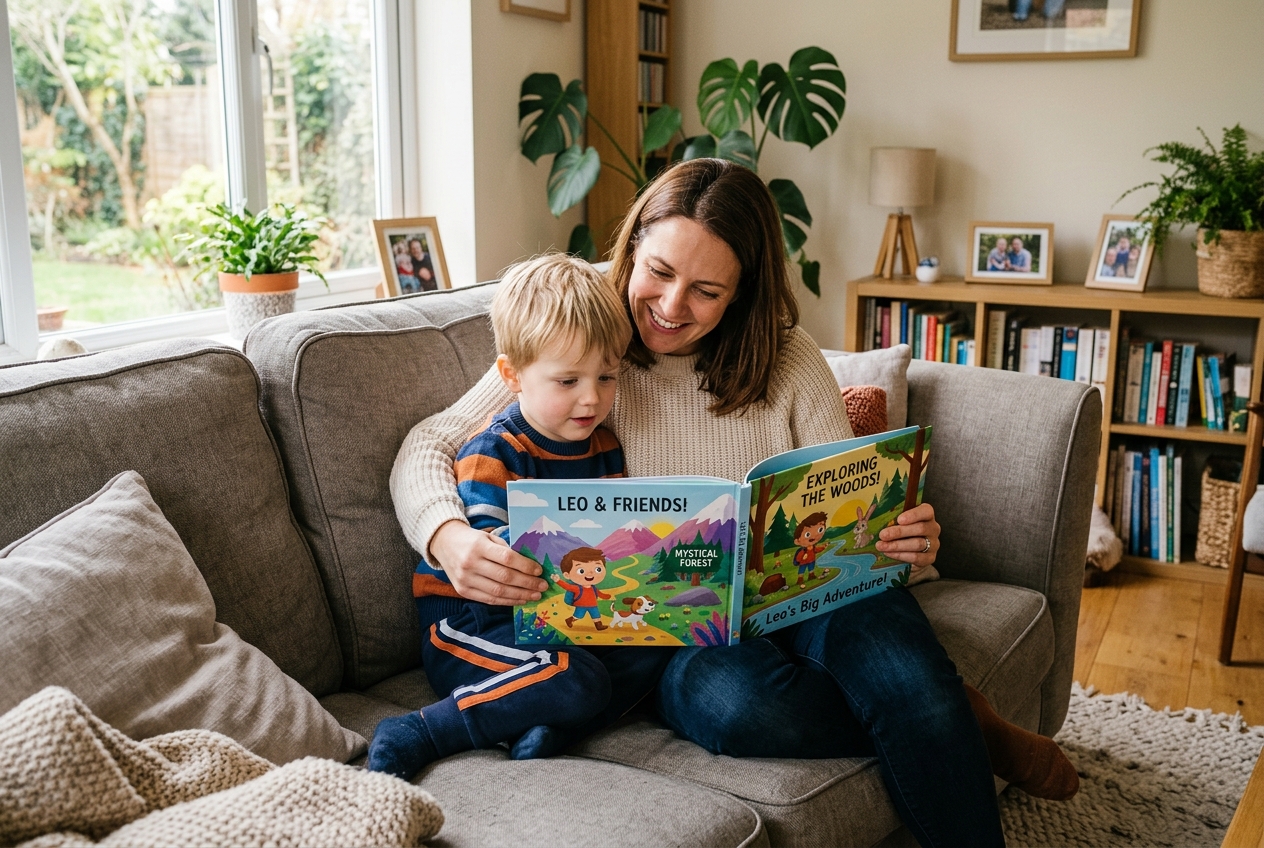
Interestingly, this tracks with a broader finding from researcher Natalia Kucirkova: personalized books shift the parent-child reading dynamic toward more reciprocal dialogue, shared laughter, and genuine connection (Kucirkova et al., Journal of Early Childhood Literacy, 2013). In other words, the book becomes a conversation starter, not just something to read through.
How Do You Get the Best Results from Your Photo?
Interactive audio formats in children's publishing grew 52.8% year-over-year, reflecting a broader shift toward tech-enhanced reading experiences (The Business Research Company, 2026). However, even as the technology improves, your input still matters. Below are the tips that make the biggest difference when creating a children's book from photo uploads.
Lighting and Angle
Shoot near a window during daytime. Avoid direct overhead lighting (creates under-eye shadows) and backlit situations (makes your child a silhouette). The AI needs clear contrast between facial features and surrounding areas.
Expression
A natural smile works best. Exaggerated expressions (wide-open mouth, squinting eyes) can confuse the AI because extreme facial positions distort feature proportions. Ideally, you want the photo that looks most like how your child appears day-to-day. Why? Because the AI is essentially creating a digital portrait — and portraits work best from neutral, natural poses.
Clothing and Accessories
If the tool doesn't support story-aware clothing changes, pick an outfit you'd want your child to wear throughout the entire story. Hats that cover foreheads, scarves that hide chins, or costumes that change your child's silhouette can all reduce accuracy.
Multiple Children
Adding siblings or friends? Upload separate photos for each child. For example, group photos where faces partially overlap or are at different distances from the camera produce worse results than individual shots.
Pets
Yes, some tools support pets. If yours does, the same rules apply — clear face shot, good lighting, solo photo. Similarly, dogs and cats with distinctive markings (spots, unique ear shapes) tend to produce the most recognizable characters.
When Should You Give a Personalized AI Storybook?
A 2025 study in Nature Communications revealed that the self-reference effect — where people remember information better when it relates to themselves — may develop as early as age 2, right when children begin mirror self-recognition (Nature Communications, 2025). That means personalized books can be effective gifts earlier than most parents assume.
Here are the occasions where a custom photo storybook hits hardest:
- Birthdays (ages 2-8) — The sweet spot where personalization has the strongest developmental impact
- New sibling arrival — A story where the older child is the hero welcoming a new character
- First day of school — A brave-adventure story featuring your child's actual school or classroom
- Holidays — Christmas, Easter, or Hanukkah stories with your child in the adventure
- Grandparent gifts — Grandparents consistently rate personalized grandchild books as the most meaningful gift they receive
- Reading milestones — When a child starts reading independently, a book about them provides extra motivation
- Moving or life changes — Stories that process transitions through familiar characters (the child themselves)
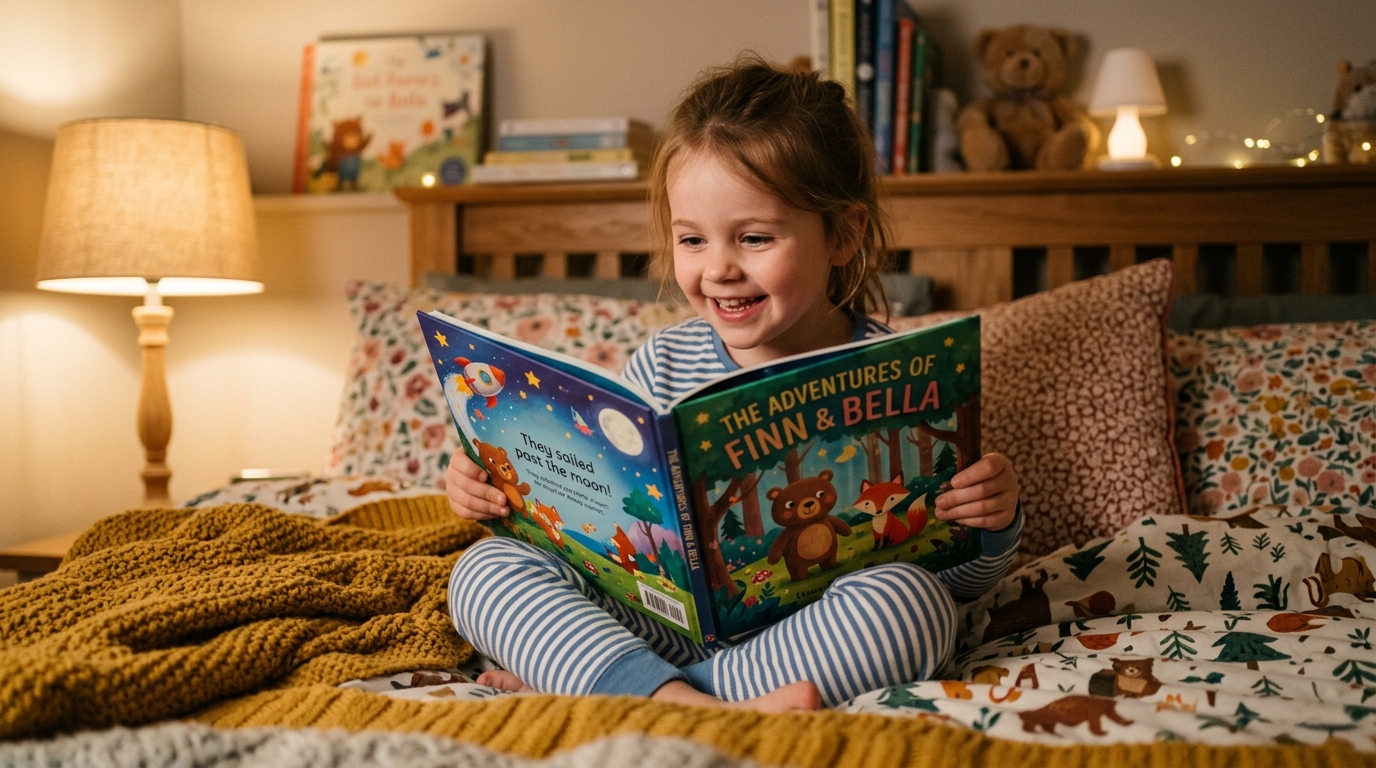
From parents who've done it: The most common feedback we hear from parents using photo-based storybooks is that their child asks to reread the story three to four times more often than with generic picture books. When kids see themselves on the page, the book becomes "their" book — and that sense of ownership drives re-reading in a way that store-bought alternatives can't match.
Frequently Asked Questions
How long does it take to create a personalized children's book from a photo?
StoryPic generates a complete illustrated story in 5-10 minutes after you upload a photo. The actual AI processing takes 1-3 minutes — the rest is your time choosing settings and reviewing pages.
Is it safe to upload my child's photo to these AI tools?
Reputable platforms delete uploaded photos after processing or let you delete them manually. A 2025 NC State study found parents prefer tools with clear privacy policies and cover-level AI disclosure (NC State, 2025). Always check the privacy policy before uploading.
What age range works best for personalized AI storybooks?
Research on the self-reference effect shows personalization benefits start around age 2 and are strongest between ages 4-6 (Cunningham, Child Development, 2014). StoryPic targets ages 2-16, with picture-heavy formats for younger children and more text for older readers.
Can I create a bilingual personalized children's book?
Most AI storybook tools only support English. StoryPic is one of the few platforms with native multilingual support for English, Spanish, French, and Romanian — meaning the stories are generated natively in each language, not machine-translated.
How much does an AI children’s book from a photo cost?
StoryPic uses a credit-based system: each illustration costs 1 credit, so a 20-page story uses about 20 credits. Credit packs start at 50 credits, and story text generation is always free. Credits never expire and there are no subscriptions — you only pay for the images you create. Check current pricing for pack details.
Make Your Child the Hero of Their Own Story
Personalized picture books aren't a gimmick. The research is clear: children recall more, engage more, and connect more deeply with stories that feature themselves. AI has made it possible to create these illustrated adventures in minutes instead of months, and at a fraction of what custom artwork used to cost.
The process is genuinely simple. Upload a photo, describe an adventure, pick an art style, and review the result. Your child gets a book where they're the main character — not a generic kid with their name stamped on the cover.
If your family speaks more than one language, look for a service that generates stories natively in your languages rather than translating. If you want to include siblings, find a platform that supports multiple characters. And always review every page before sharing — the technology is impressive, but a parent's eye catches what AI might miss.
Ready to try it? Create your child's personalized storybook with StoryPic — upload a photo and see your child as a picture book character in minutes. Have questions first? Check our frequently asked questions or see how pricing works.